
Break Interval Timer
Set timer for 20 minutes, add a short break, and repeat the cycle for focused screen time. Every interval and cycle count is editable.
Ready
Set your intervals
20:00
—
· Free
Track it in Eye Rest Reminder.
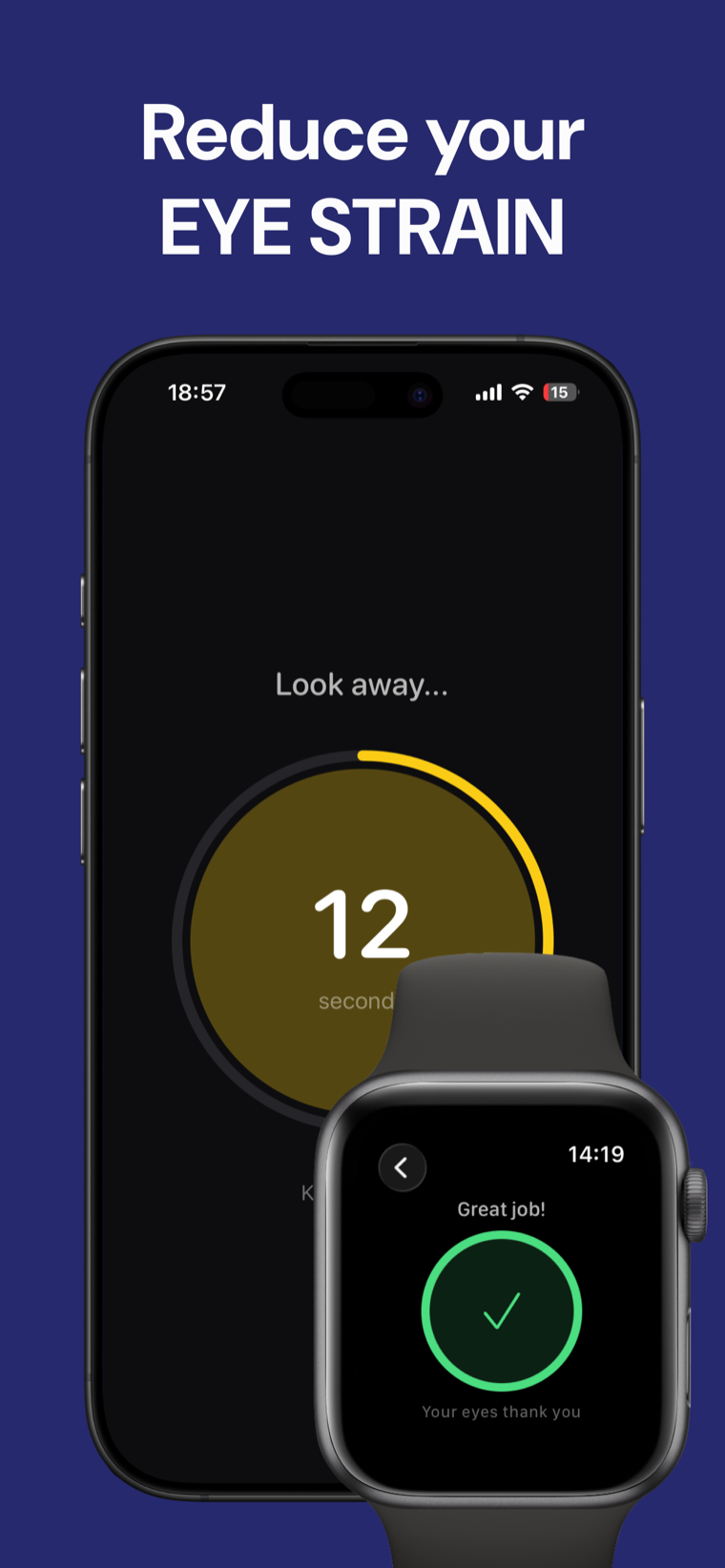
A private eye-rest companion for timed screen breaks and simple interval routines.

How to set timer for 20 minutes intervals
Set timer for 20 minutes, choose a break length, and select how many cycles you want to complete. The default is 20 minutes of work followed by a 20-second break, repeated for 8 cycles.
The countdown derives remaining time from timestamps, so backgrounded tabs and paused intervals do not lose time through missed ticks. Use classic 25/5 Pomodoro-style values or adjust every field to fit your routine.
remaining time = phase duration − (current timestamp − phase start timestamp) This tool is a timer, not medical advice. Take breaks that suit your needs and follow guidance from a qualified professional for eye or vision concerns.
Break interval timer FAQ
What are the default intervals?
The defaults are 20 minutes of work, a 20-second break, and 8 cycles. You can edit every field before starting.
Can I use 25/5 Pomodoro-style intervals?
Yes. Enter 25 for work minutes and 300 for break seconds, then choose the number of cycles you want.
Does the timer keep accurate time in a background tab?
Yes. Remaining time is calculated from timestamps and recalculated when the page becomes visible again.
What does the sound option do?
When enabled, the browser generates a short tone with the Web Audio API at phase changes. Sound is off by default.
Are my settings saved?
No. The timer runs in your browser and does not use accounts or network calls.